
HappyCo
Sourcing Settings in HappyCo's Property DNA section is where you set up the building blocks for your procurement process — the question library, cost codes, corporate DNA and vendor criteria, SOW rules, vendors, and projects, all in one place. Once configured, these details carry through the models used across the product so your sourcing events start ready to go from day one.
 In this article
- Configure the question library
- Set up cost codes
- Define corporate DNA and vendor criteria
- Set SOW instruction rules
- Property DNA attributes across the product
- View your vendors and network vendors
- Upload your vendor master
- Projects — a lightweight area
- Set project SOPs and attach documents
- Sourcing Settings recap
 Configure the question library
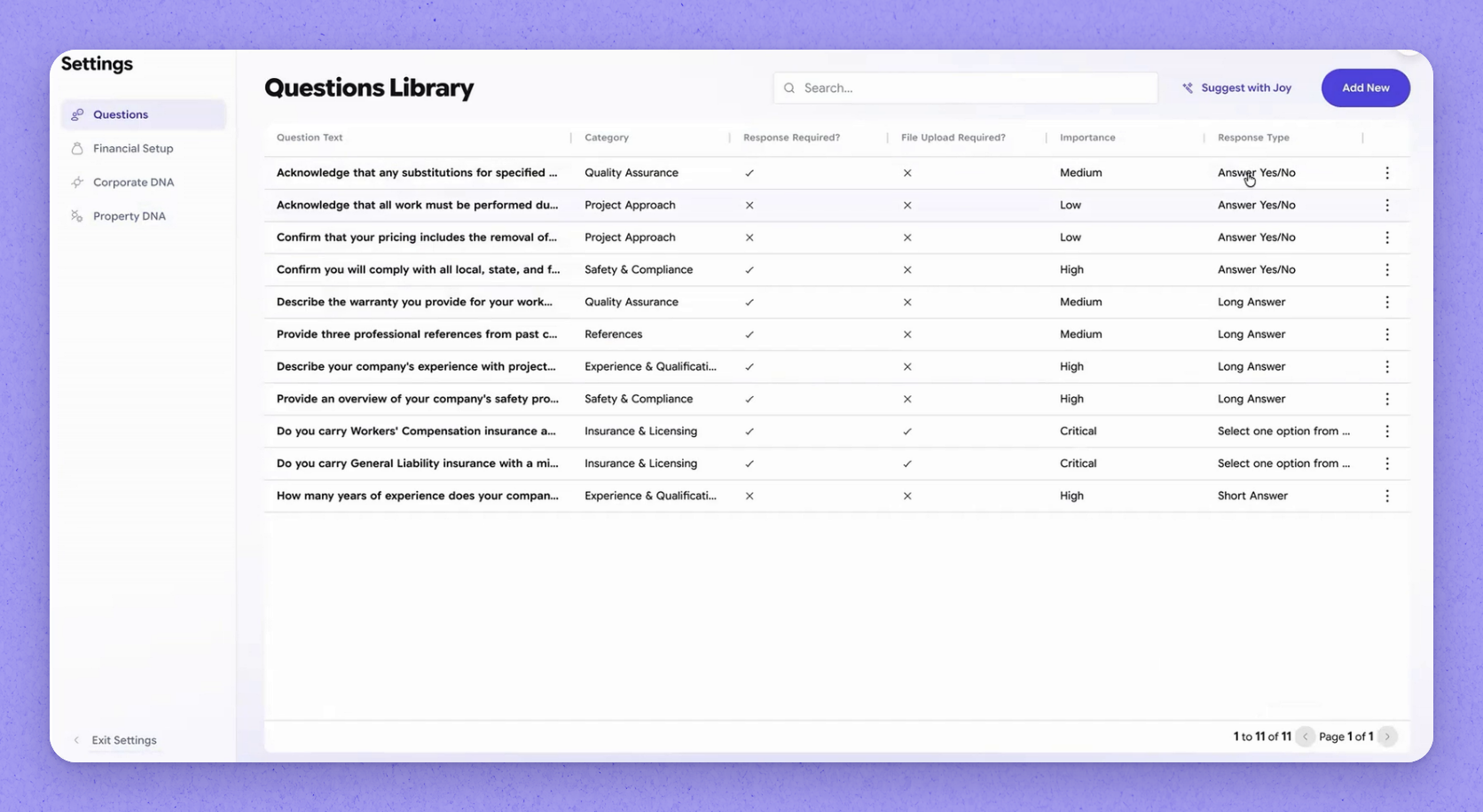
Open the question library to set up the questions you ask during sourcing. HappyCo supports different response types, so you can control exactly how each question is answered. For any question you can flag whether it's required, whether a file upload is required, and which kinds of responses you'll accept.
 Set up cost codes
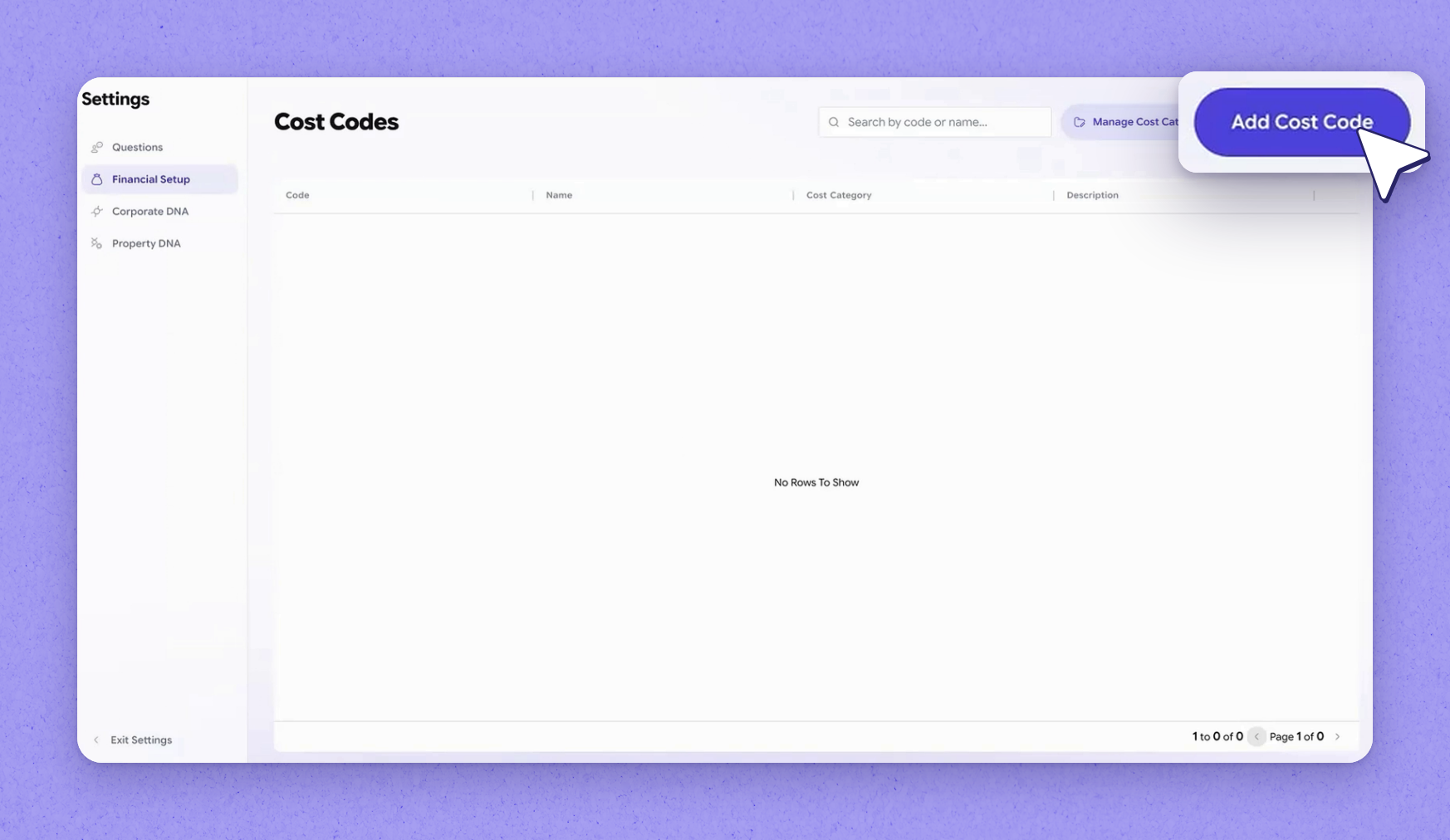
From here you can also set up your cost codes. As line items get created, each one can be associated with a cost code. That way you can run cost code reporting cleanly later.
 Define corporate DNA and vendor criteria
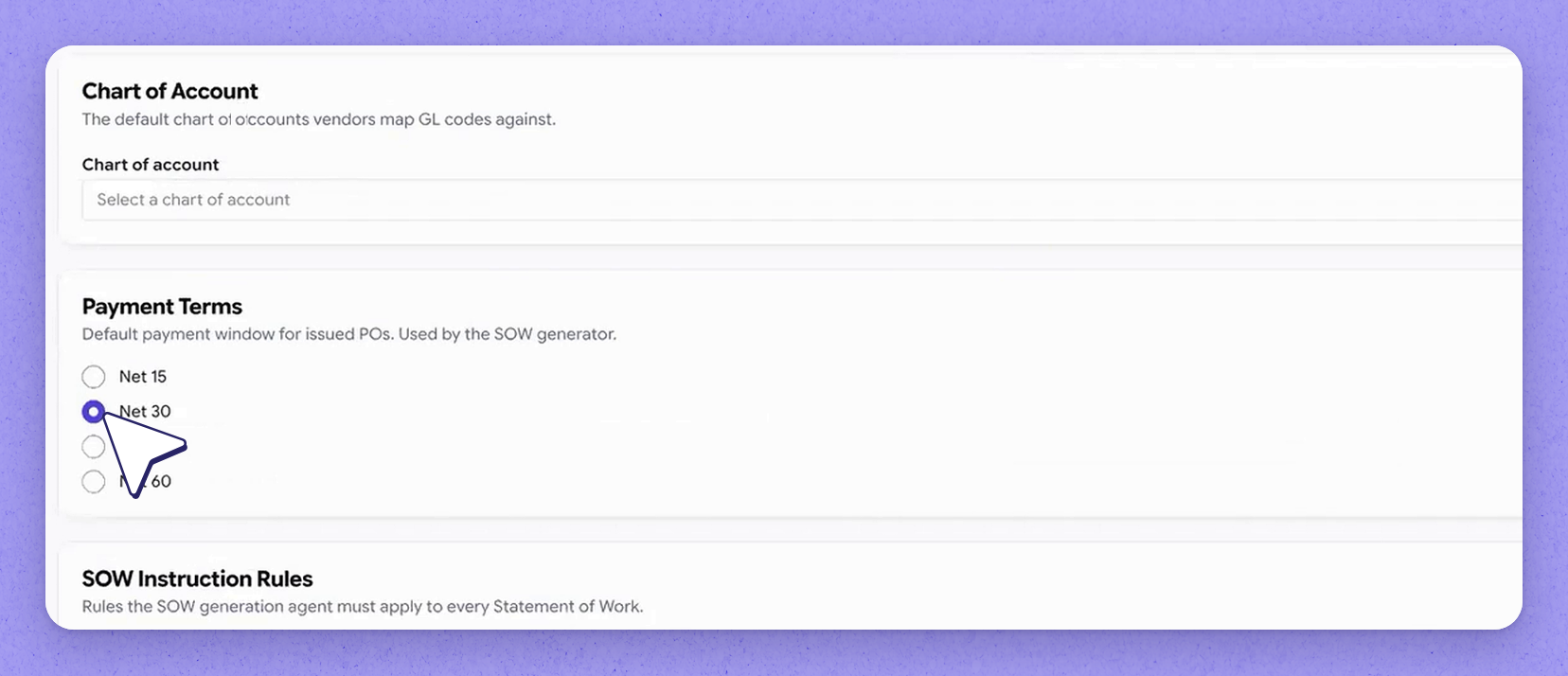
Corporate DNA is where you tell HappyCo what you need from vendors in order to evaluate strategic fit. It captures the criteria you hold vendors to and the payment terms you expect. All of this lives in one place so you can weigh a vendor against your standards.
 Set SOW instruction rules
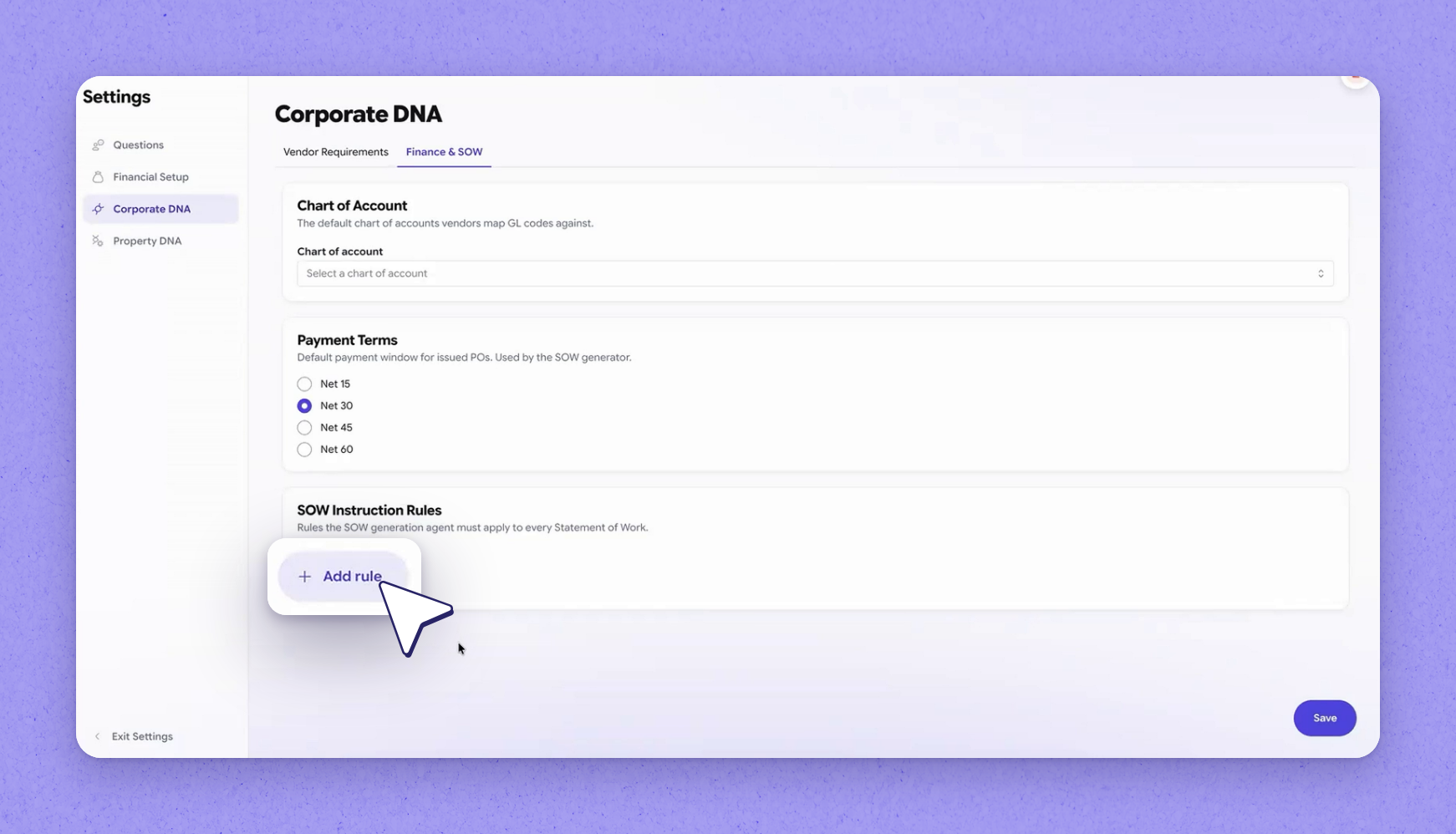
This is also where your SOW (scope of work) instruction rules come into play. If your company has specific rules for how a scope of work is generated — what to include and what to leave out — you can specify that here. HappyCo will honor those rules.
 Property DNA attributes across the product
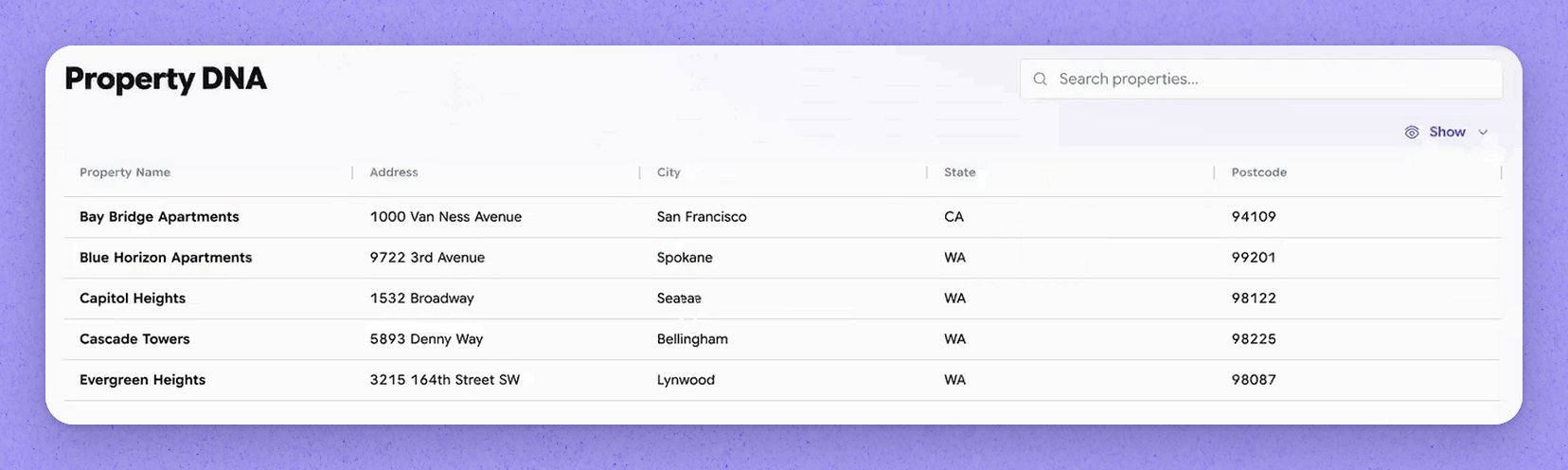
Property DNA holds the attributes of a property that are used in various models across the product. These are the property details you set here. Because they're reused throughout, the details you configure carry through everywhere they're needed.
 View your vendors and network vendors
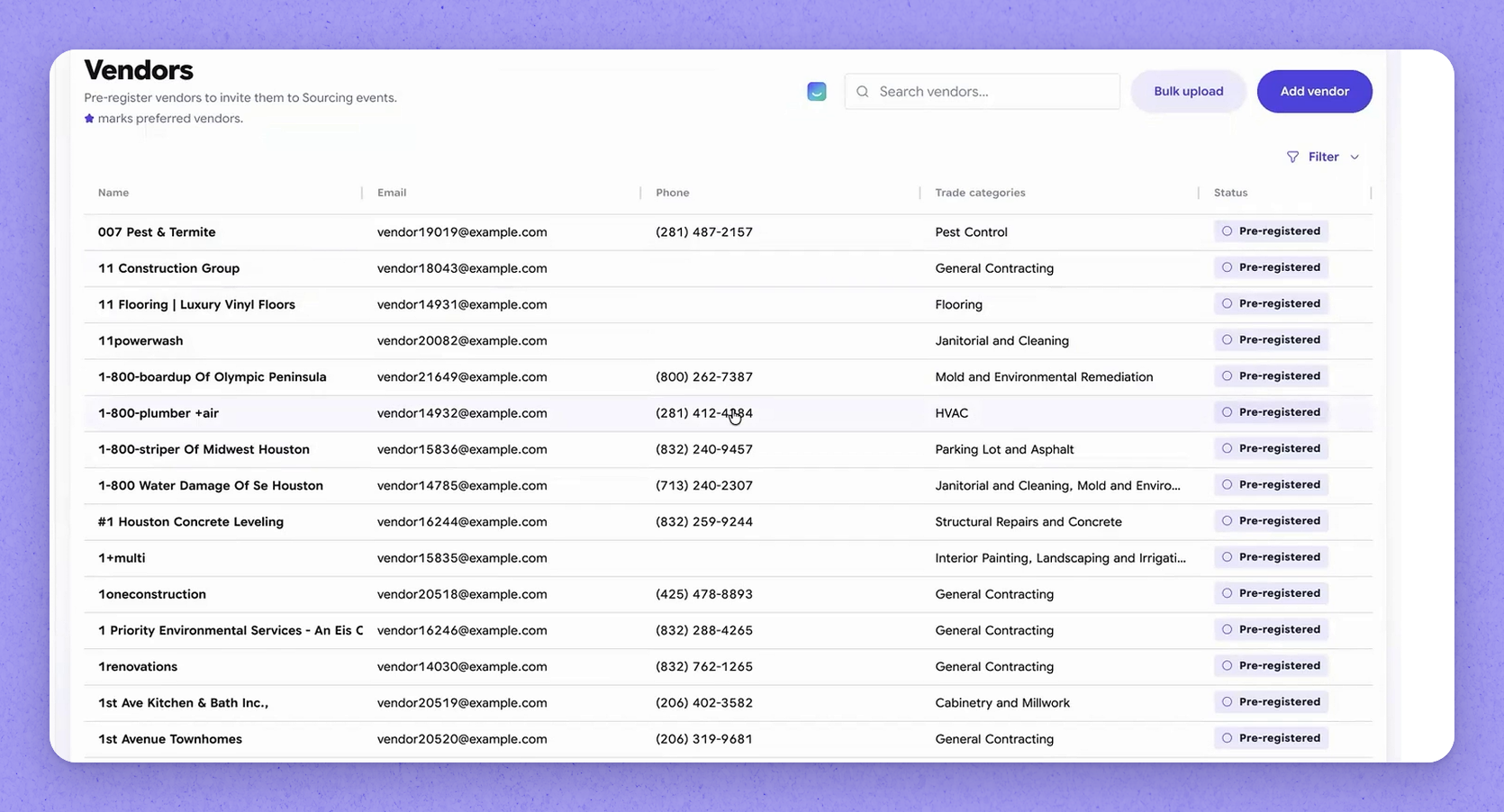
The vendors area is the single place to view your own vendors as well as the network vendors — your Vendor Connect vendors — all together. This gives you one view across both sets of vendors.
 Upload your vendor master
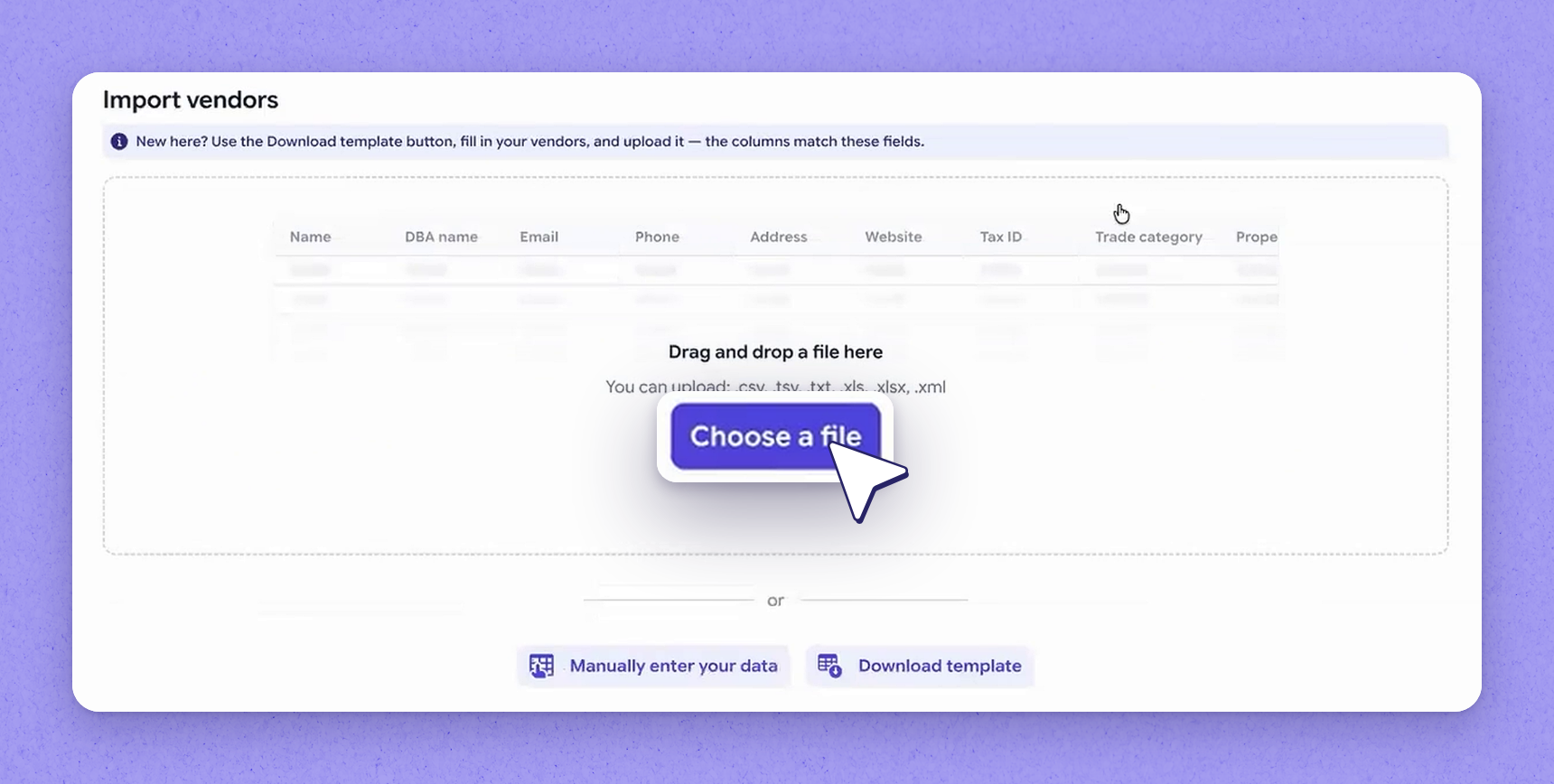
For a new company, HappyCo expects an extract of your vendor master. That extract can come from your PMS or whatever your source of truth is. HappyCo can then upload those vendors so they're ready to use.
 Projects — a lightweight area
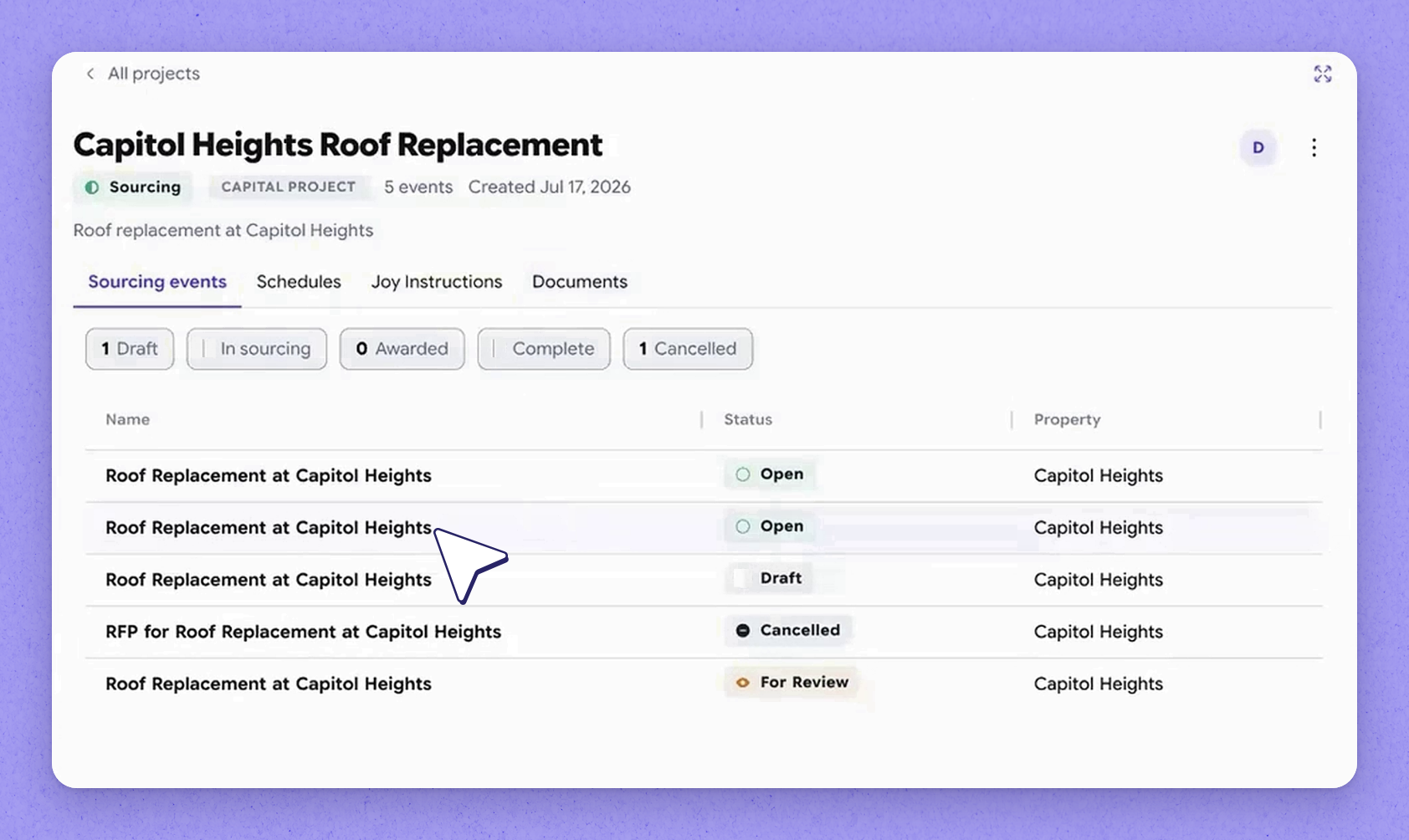
Projects is the folder discussed earlier in the setup flow. It is currently very lightweight. It's an area being built out further, with plans that include a roll-up view of what's happening across all sourcing events within a project.
 Set project SOPs and attach documents
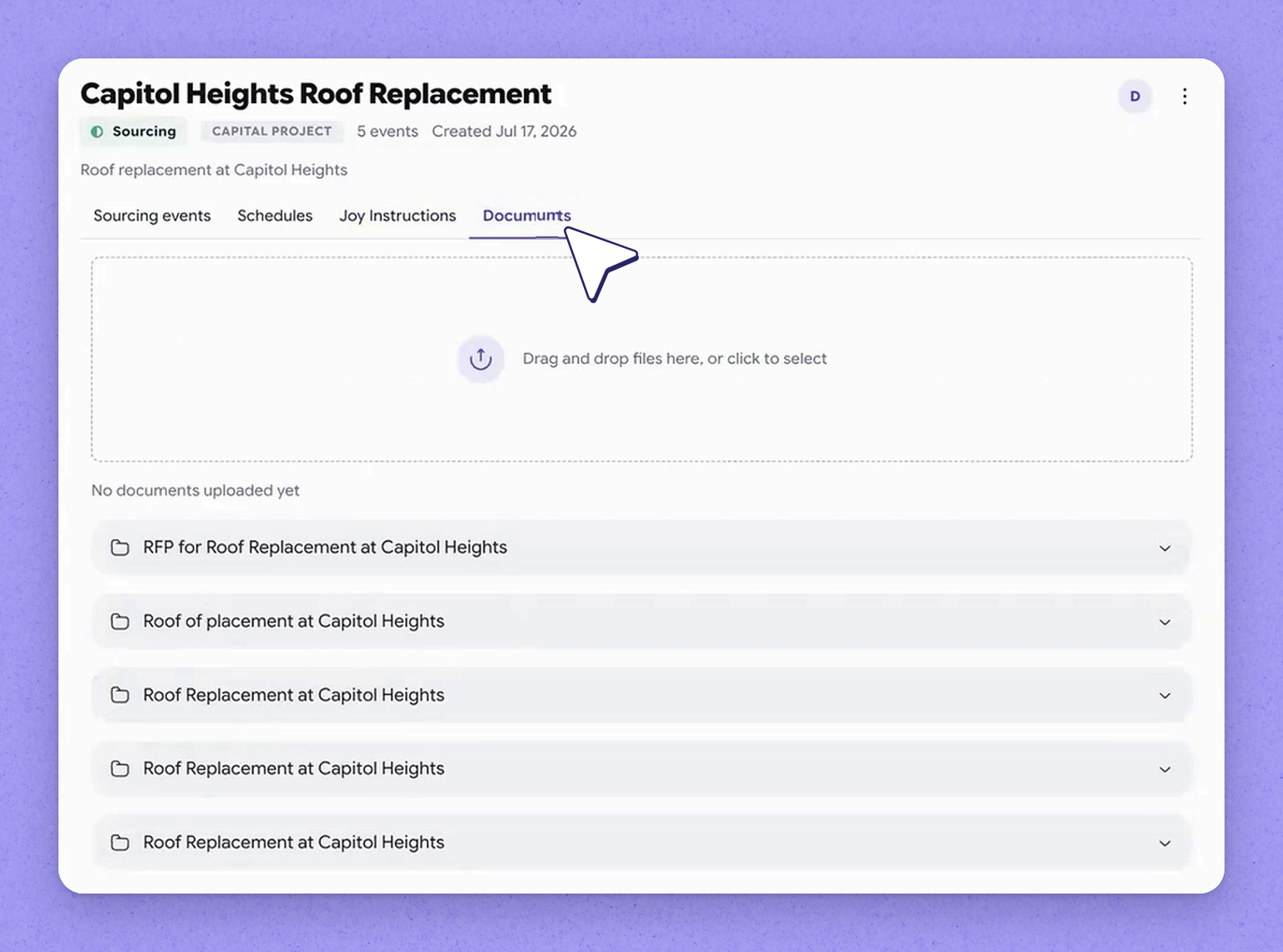
Even at the project level you can define standard operating procedures (SOPs) for a sourcing event and set bidding instructions. You can also attach any number of documents to the project. Those documents might be engineering drawings or anything else that belongs to the overall project scope.
 Sourcing Settings recap
That's a full look at Sourcing Settings and Property DNA. It covers the question library and cost codes, through to vendor standards, SOW rules, and projects. It all lives in one place to support your sourcing process from day one.
| Setting | What it's for |
|---|---|
| Question library | Defines your sourcing questions, their response types, and whether each is required or needs a file upload |
| Cost codes | Associates each line item with a cost code so you can run cost code reporting |
| Corporate DNA | Captures what you need from vendors — criteria and payment terms — to evaluate strategic fit |
| SOW instruction rules | Specifies how a scope of work is generated, including what to include and exclude |
| Property DNA | Holds property attributes reused across models throughout the product |
| Vendors | A single place to view your own vendors and network (Vendor Connect) vendors |
| Projects | A folder for project-level SOPs, bidding instructions, and attached documents |
Frequently asked questions
What is corporate DNA used for?
Corporate DNA is where you tell HappyCo what you need from vendors to evaluate strategic fit — including the criteria you hold vendors to and the payment terms you expect.
How do new companies get their vendors into HappyCo?
For a new company, HappyCo expects an extract of your vendor master from your PMS or whatever your source of truth is. Those vendors can then be uploaded so they're ready to use.
What can I define at the project level?
At the project level you can define standard operating procedures for a sourcing event, set bidding instructions, and attach any number of documents — such as engineering drawings or anything else belonging to the overall project scope.
Why associate line items with cost codes?
Associating each line item with a cost code as line items are created lets you run cost code reporting later.