
HappyCo
This article walks through how to create a sourcing event in HappyCo using Joy, the AI assistant, from the dashboard all the way through to building out your event criteria. Instead of filling in forms, you describe what you need in plain language and Joy identifies the right request type, fills in event details, and pulls in evaluation criteria. This is shown from the perspective of a sourcing manager creating an RFP for a roof replacement.
 In this article
- Start on the Sourcing dashboard
- The leaking roof scenario
- Start a sourcing event with Joy
- Describe what you're sourcing
- Joy identifies this as an RFP
- RFI, RFQ and RFP — what each is for
- Confirm the RFP details
- Set the estimated contract value
- Request an execution schedule
- Link the event to a project
- Review the generated sourcing event
 Start on the Sourcing dashboard
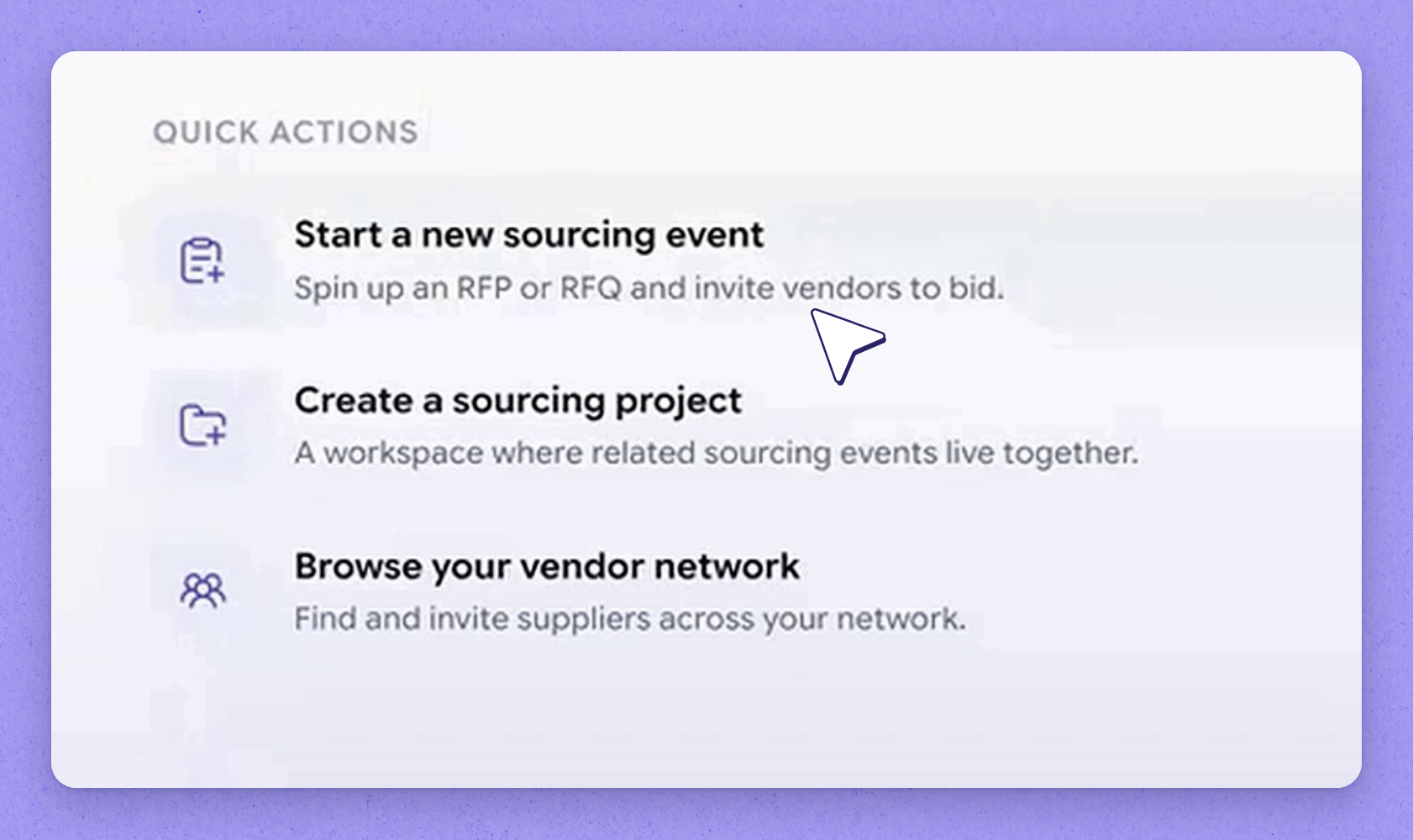
When you sign in as a sourcing manager, you land on the dashboard. The dashboard is kept clean and simple, with the ability to add widgets that give you a quick read on where each of your live sourcing events currently stands. The whole idea is that you start by talking to Joy about what you want to do.
 The leaking roof scenario
In this example, a property calls in with a leaking roof. They've been dealing with repair work and patchwork for the past six to eight months, and it's costing them financially and on reputation. Residents aren't happy, and even prospects can see what poor shape the roof is in — so it's time to source a proper replacement.
 Start a sourcing event with Joy
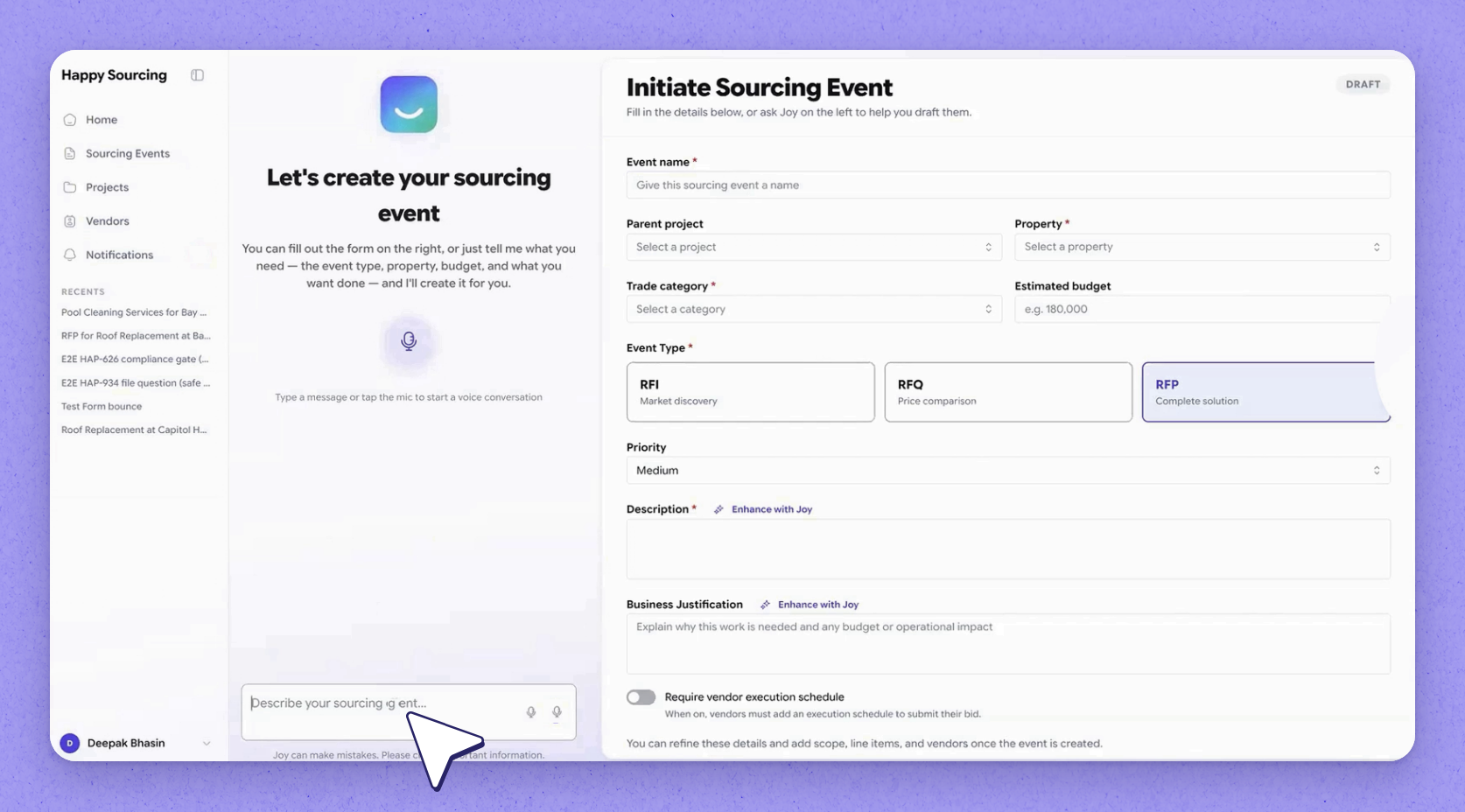
Click Start to create a sourcing event. The system offers two choices: go the traditional way and type in every detail the event needs, or simply tell Joy what you need and let Joy do it for you. In this walkthrough we'll use Joy.
 Tip
Tip
Working with Joy is very similar to AI assistants like Claude or Gemini — it's just natural language, no forms to fill out.
 Describe what you're sourcing
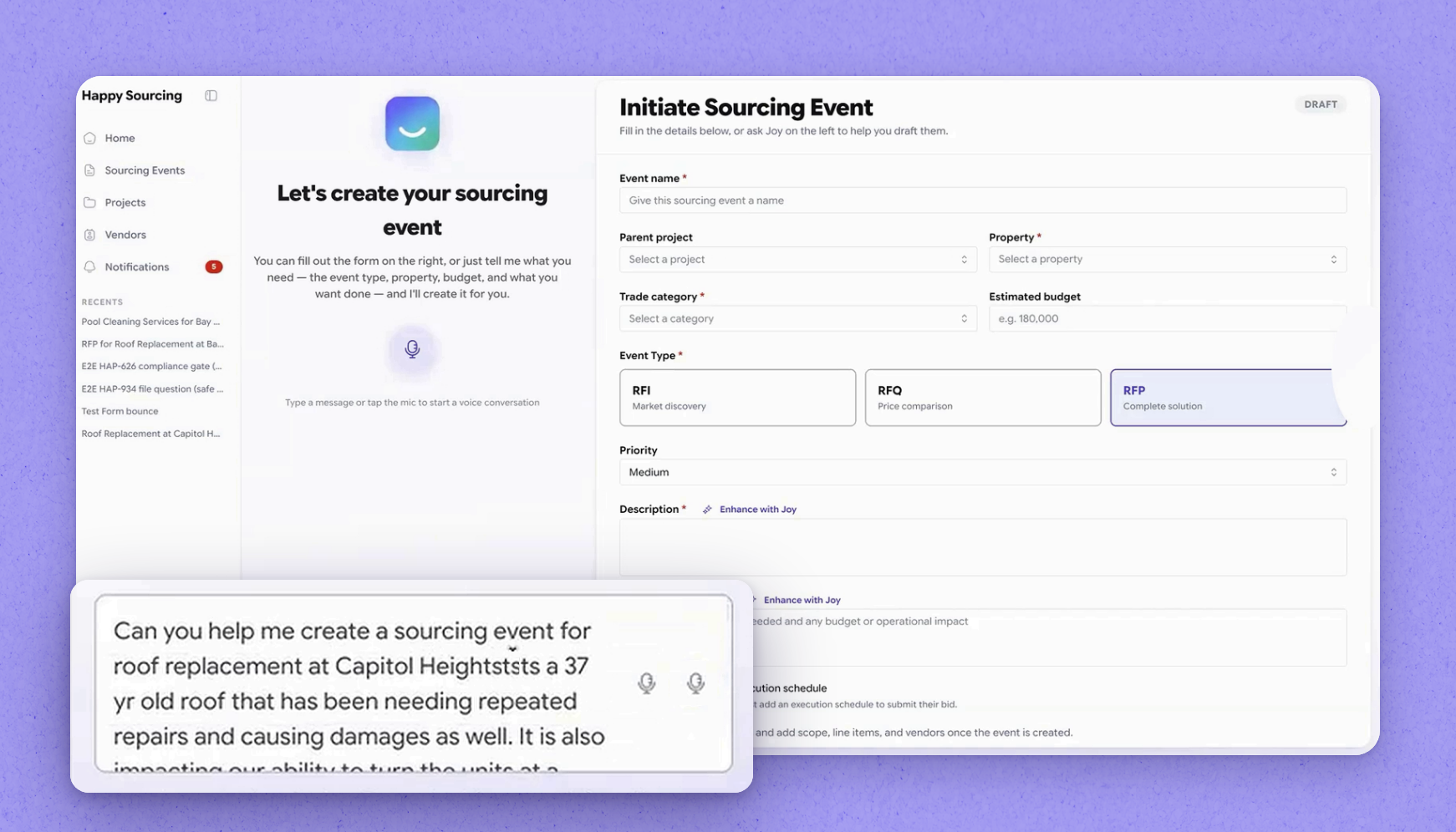
In the prompt, briefly describe what you're looking to do and why you need it. Then spell out what you're looking for in vendors and what they need to provide in order to qualify to participate in this bid. Send the prompt through.
 Joy identifies this as an RFP
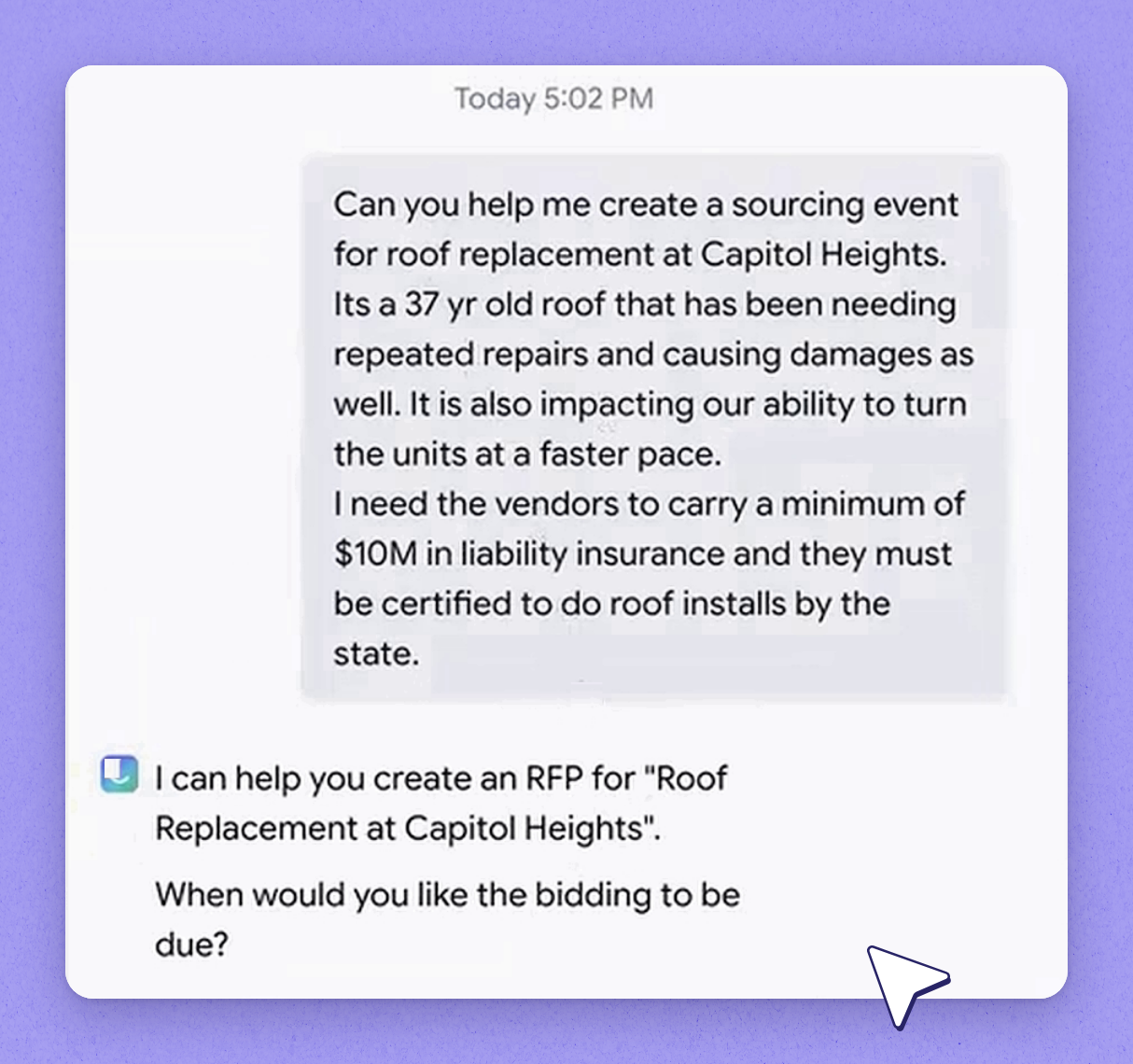
This is a complex prompt, so the system breaks it all down internally. It matches everything against the requirements needed for a sourcing event to be created. Based on this need, it has identified that you need an RFP.
 RFI, RFQ and RFP — what each is for
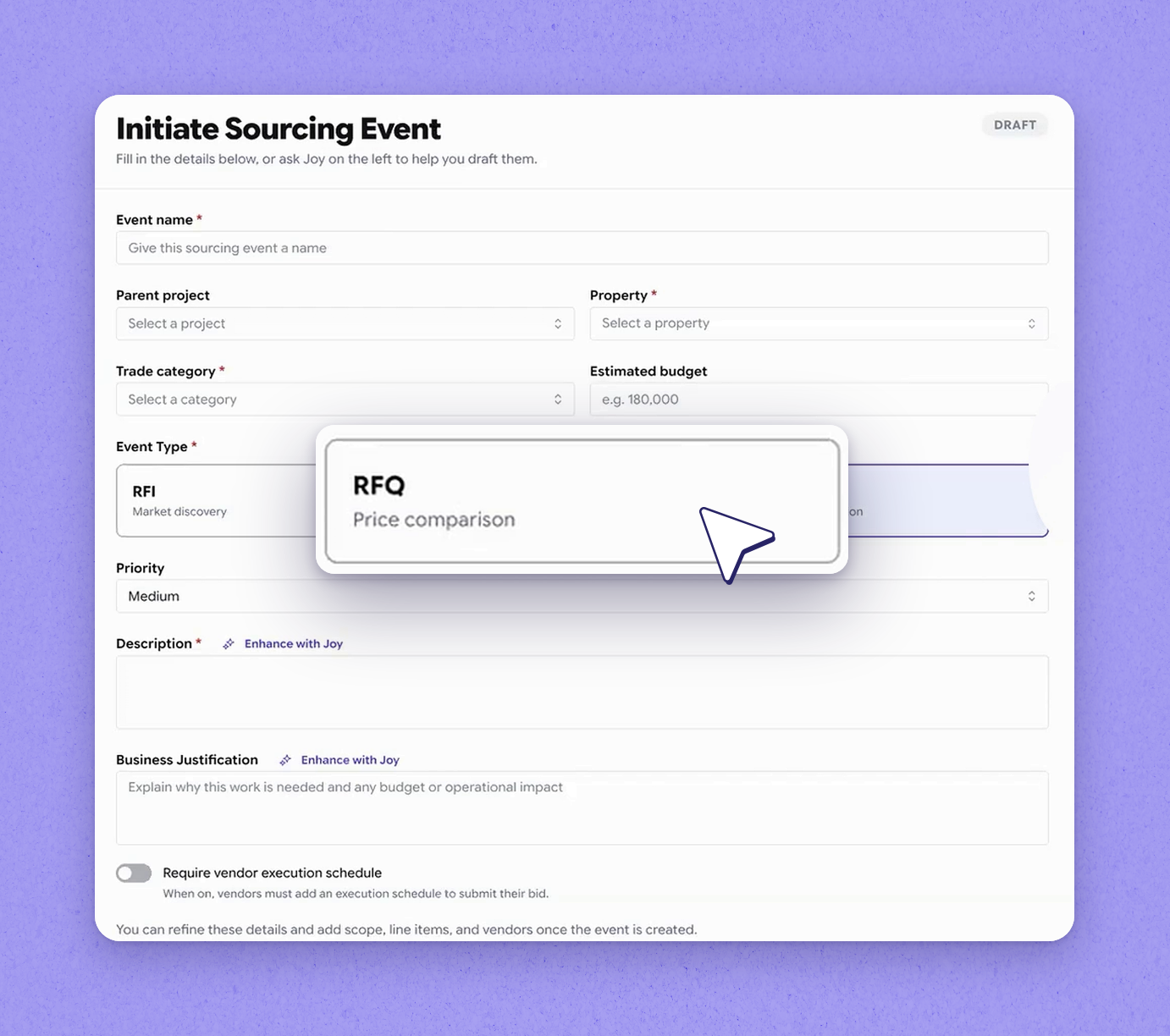
HappyCo supports three request types: RFI, RFQ, and RFP. An RFI (Request for Information) is where you're simply requesting information while still in your research phase — you're not ready to award a bid, and you gather information from every vendor in the market so you can build a budget, then later progress it into an RFQ or RFP. An RFQ (Request for Quote) is where you're simply asking for pricing, usually limited to price for a specific make and model — for example, ten dishwashers sent to three distributors so each returns their best available price. An RFP (Request for Proposal) is a combination of the two: a full-fledged proposal that includes pricing plus all the other criteria you want to evaluate vendors on.
 Confirm the RFP details
In this example, the system has identified the need as a request for proposal because there's a lot involved, including insurance requirements, and it's a big capital project and undertaking. Joy has taken all of that in, and its follow-up question is when the event is due. This gauges how urgent it is — here we'll say we need vendors to respond by July 31st.
 Set the estimated contract value
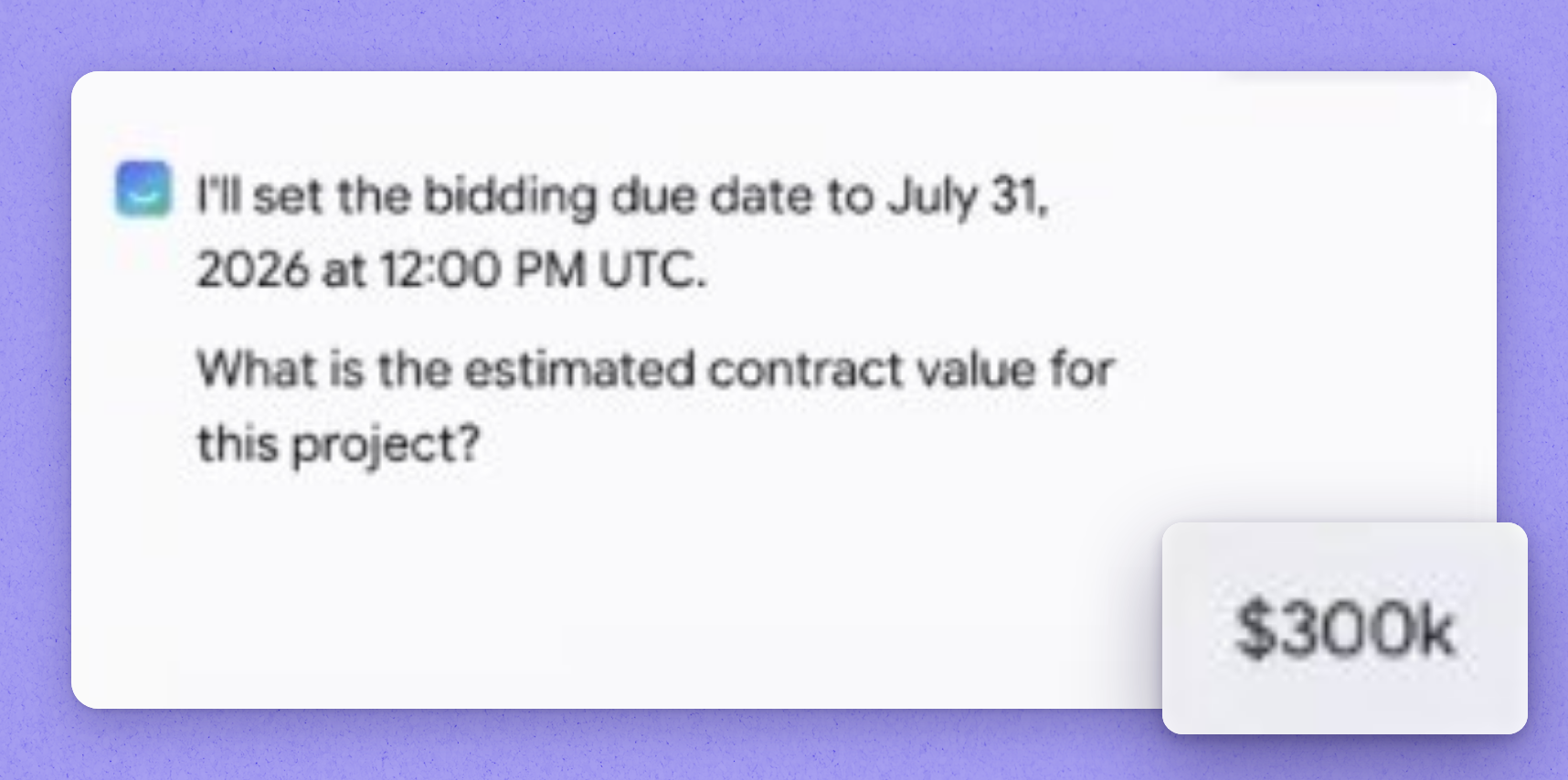
Next, provide the estimated contract value — here, we'll say 300K from our estimators. This information is not shared with vendors; it's only for your internal tracking. When bids come back from each vendor, the system compares them against your estimate and shows how close or far each vendor lands from your estimated value.
Tip
The estimated contract value stays internal — vendors never see it.
 Request an execution schedule
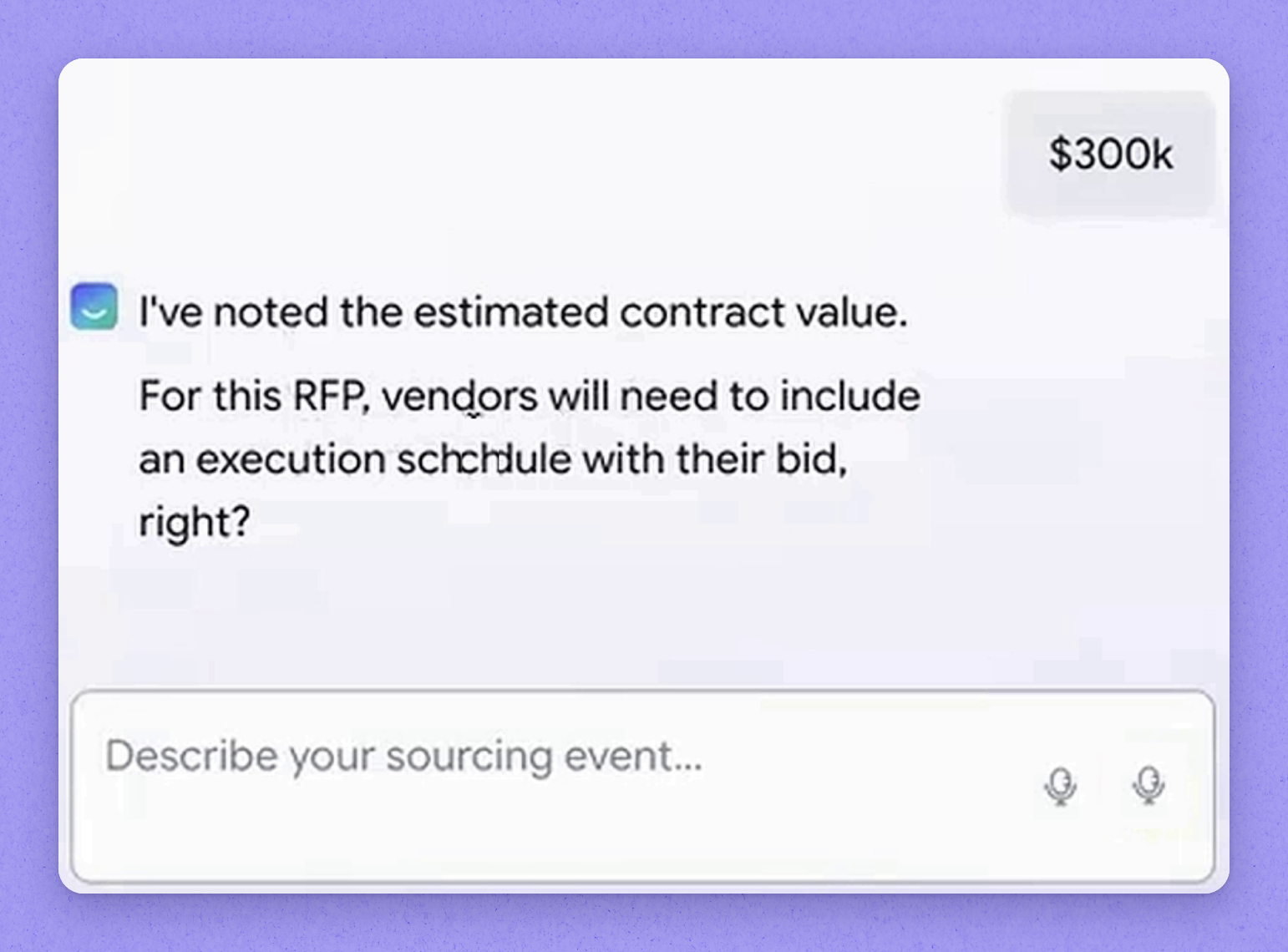
Joy then asks whether you want vendors to submit an execution schedule for this RFP. The execution schedule is the actual work vendors will do, when they'll start, and when they anticipate finishing — whether it's four, six, or twelve weeks. It also breaks the work down: for a six-week roof project, when they tear off the existing roof, when the shingles go on, and so on, so the buyer has clarity on exactly what's involved and how each vendor plans to execute.
 Link the event to a project
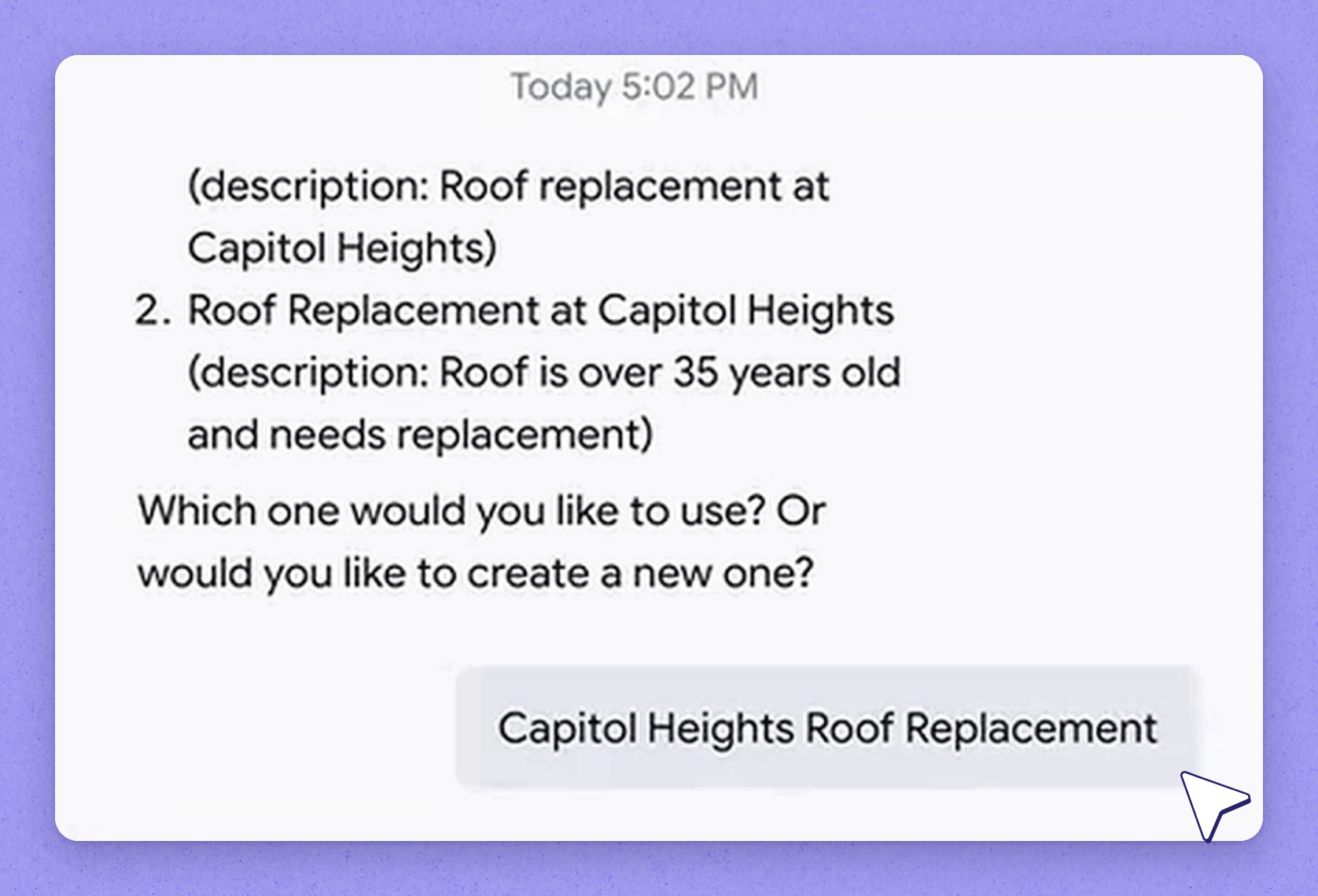
Joy asks whether this event belongs to a project. Here, we'll confirm yes — the project is already created, so we tie the sourcing event right into it. At this point, the shell for the sourcing event is created.
 Review the generated sourcing event
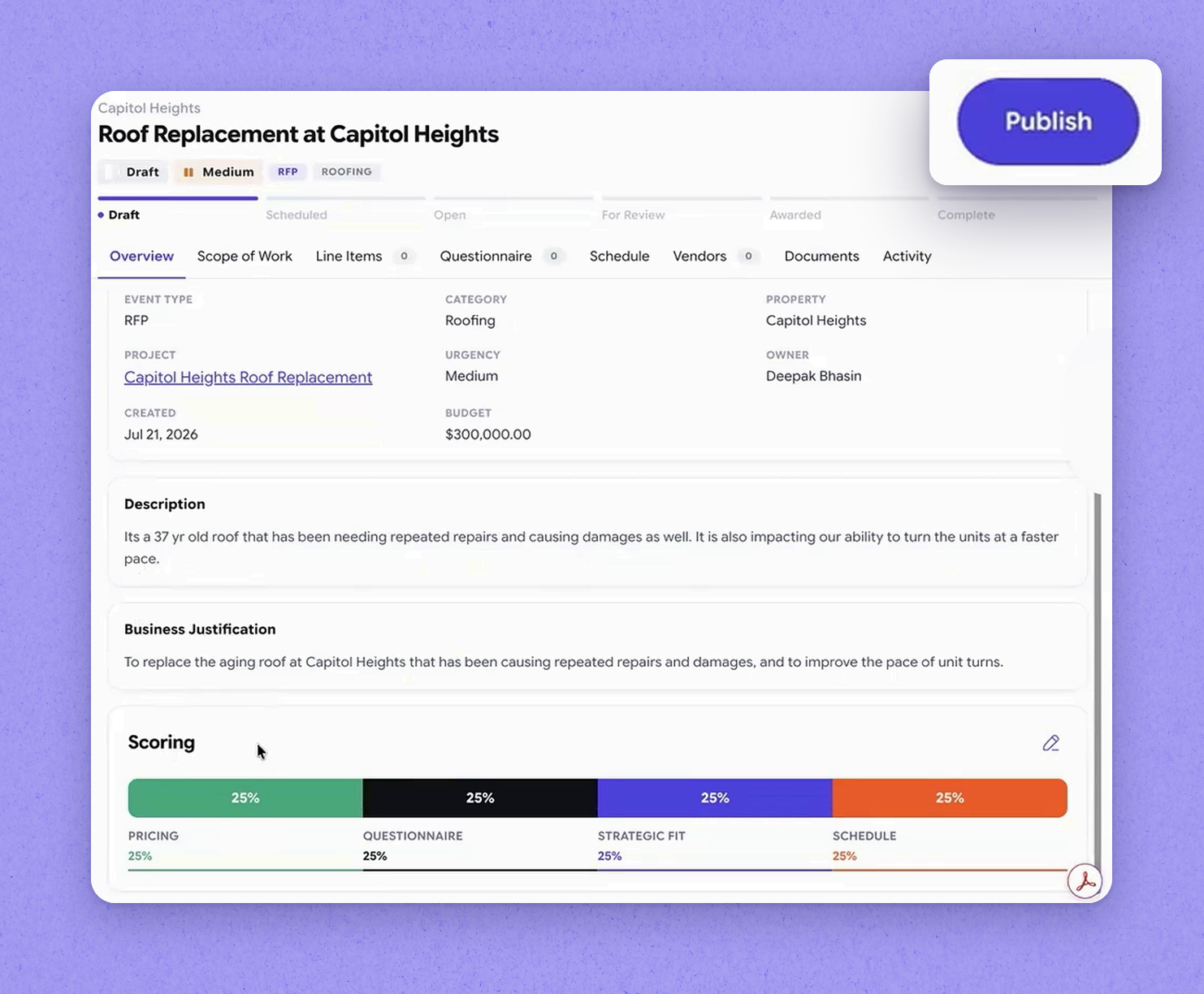
Joy knows the description and has extracted the business justification from the prompt you gave. It has also brought in the default evaluation criteria for you. HappyCo supports four different types of criteria: pricing, questionnaire, strategic fit, and schedule.
| Type | What it's for |
|---|---|
| RFI (Request for Information) | Simply requesting information during your research phase — you're not ready to award a bid or place orders. Gather details from vendors in the market to build a budget, then progress it into an RFQ or RFP. |
| RFQ (Request for Quote) | Simply asking for pricing, usually limited to price for a specific make and model. Send it to multiple distributors so each returns their best available price, then award the bid. |
| RFP (Request for Proposal) | A full-fledged proposal combining both — includes pricing plus all the other criteria you want to evaluate vendors on. |
Frequently asked questions
Do I have to type in every detail to create a sourcing event?
No. The system offers two choices: type in every detail the traditional way, or simply tell Joy what you need in natural language and let Joy handle it.
Is the estimated contract value shared with vendors?
No. The estimated contract value is only for your internal tracking. When bids come back, the system compares them against your estimate to show how close or far each vendor is.
What is an execution schedule?
It's the actual work vendors will do, including when they'll start and finish, and how the work breaks down step by step — for example, when they tear off the existing roof and when the shingles go on. It gives the buyer clarity on how each vendor plans to execute.
What evaluation criteria types does HappyCo support?
HappyCo supports four types of evaluation criteria: pricing, questionnaire, strategic fit, and schedule. Joy brings in the default evaluation criteria automatically when it builds the event.