
 happy-property
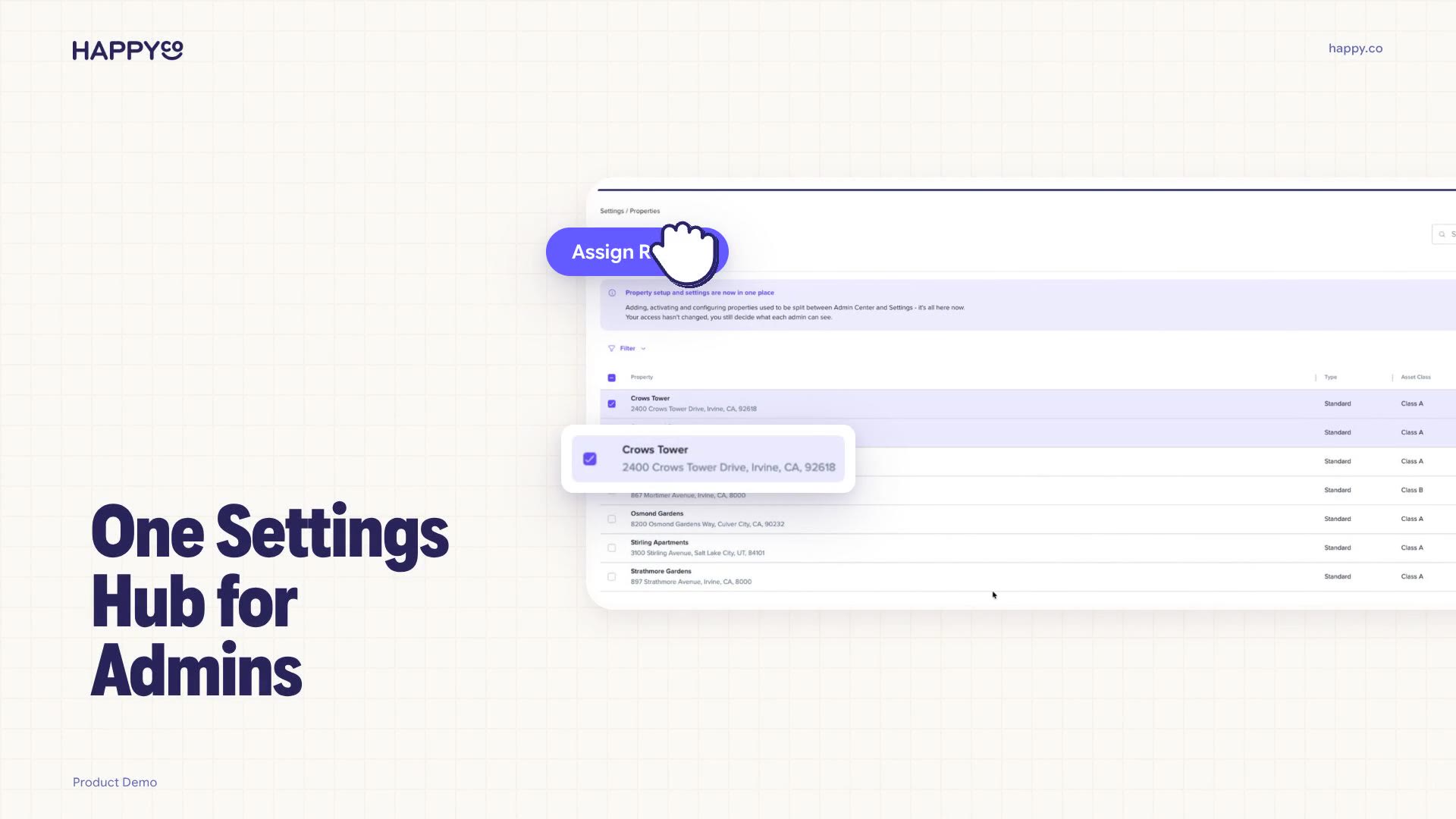
If you configure happy-property as an admin or manager, your settings now live in one redesigned Settings surface instead of being split between the Admin Center and the in-app settings page. Everything sits in a single sidebar grouped by purpose, so configuration is easier to find and manage. Turning this on doesn't change access — roles, permissions and access controls stay exactly as they were, so people see only what they already could.
 Find your settings in the sidebar
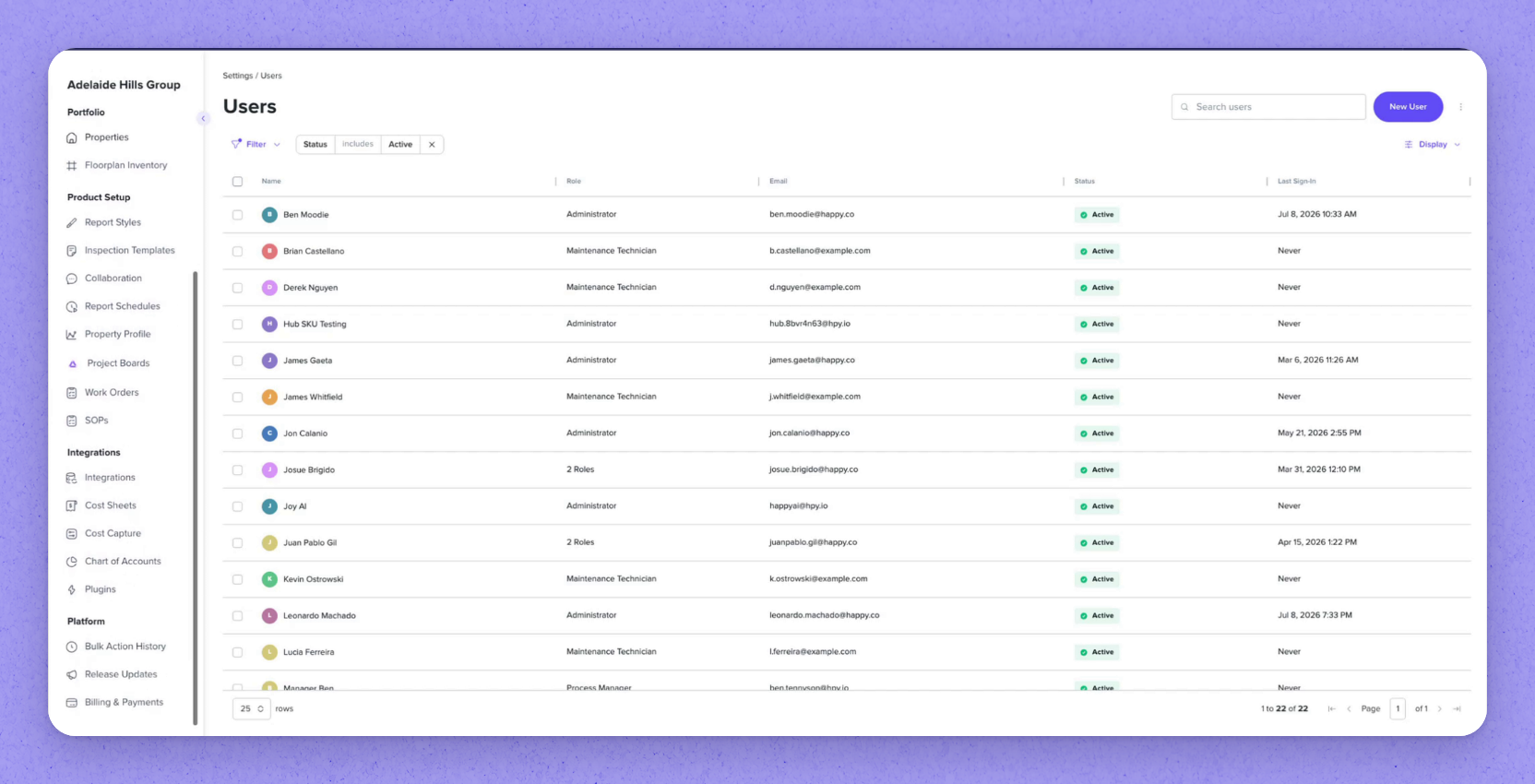
Open Settings to see everything in one sidebar, grouped by what each setting is for:
- Access
- Portfolio
- Product Setup
- Integrations
- Platform
Settings that used to live in the Admin Center and the in-app settings page are now together here. Access is unchanged — roles, permissions and access controls stay in place.
 Use bulk actions on users and properties
Select several users to apply changes to all of them at once:
- Add or remove roles
- Add or remove property access
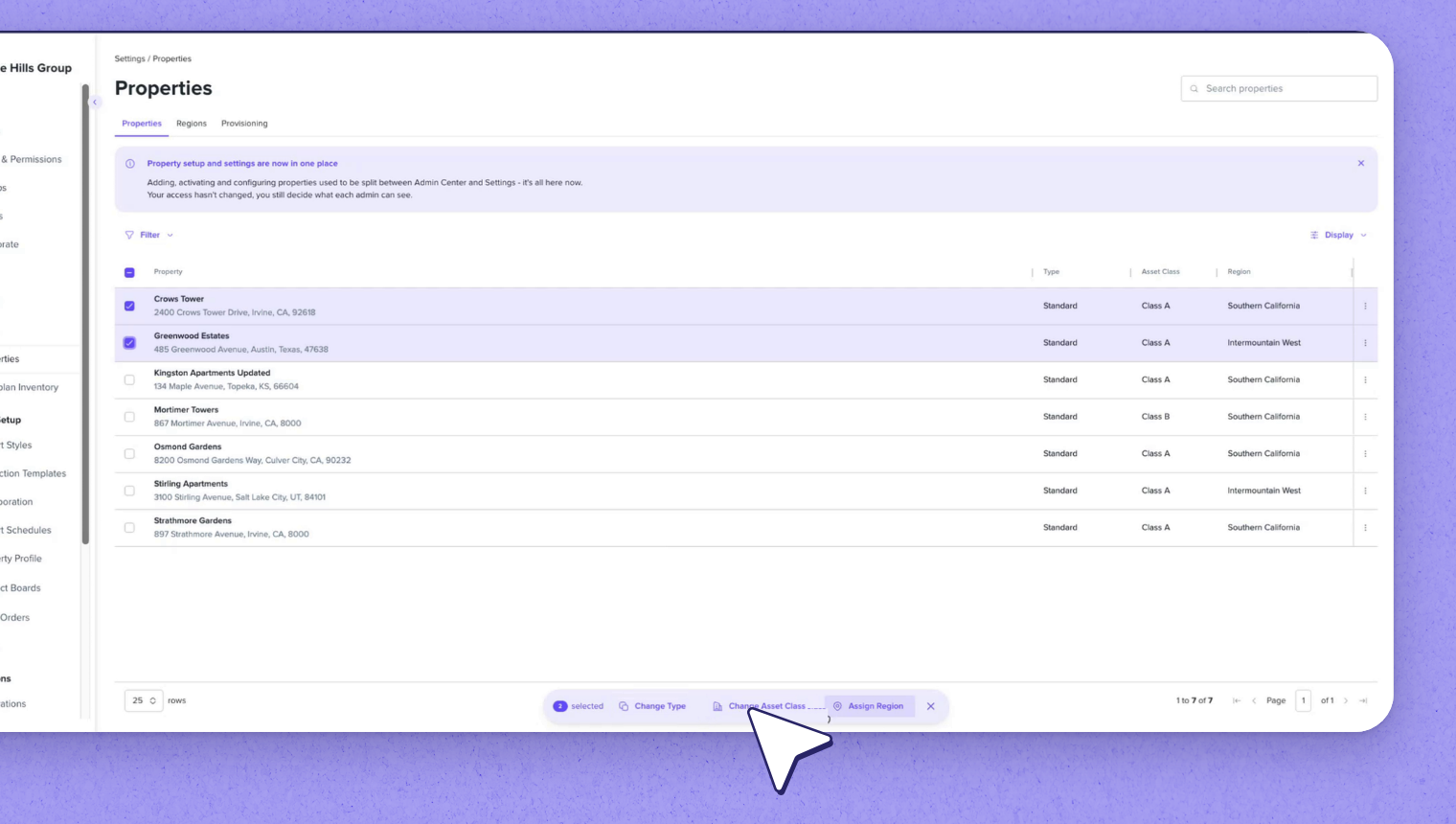
Property setup has also moved in, so adding, activating and configuring properties is no longer split across two places. Regions and Provisioning now sit alongside Properties in the same menu.
Select several properties to change their type, change their asset class, or assign them to a region together.
 Manage Work Orders and other consolidated settings
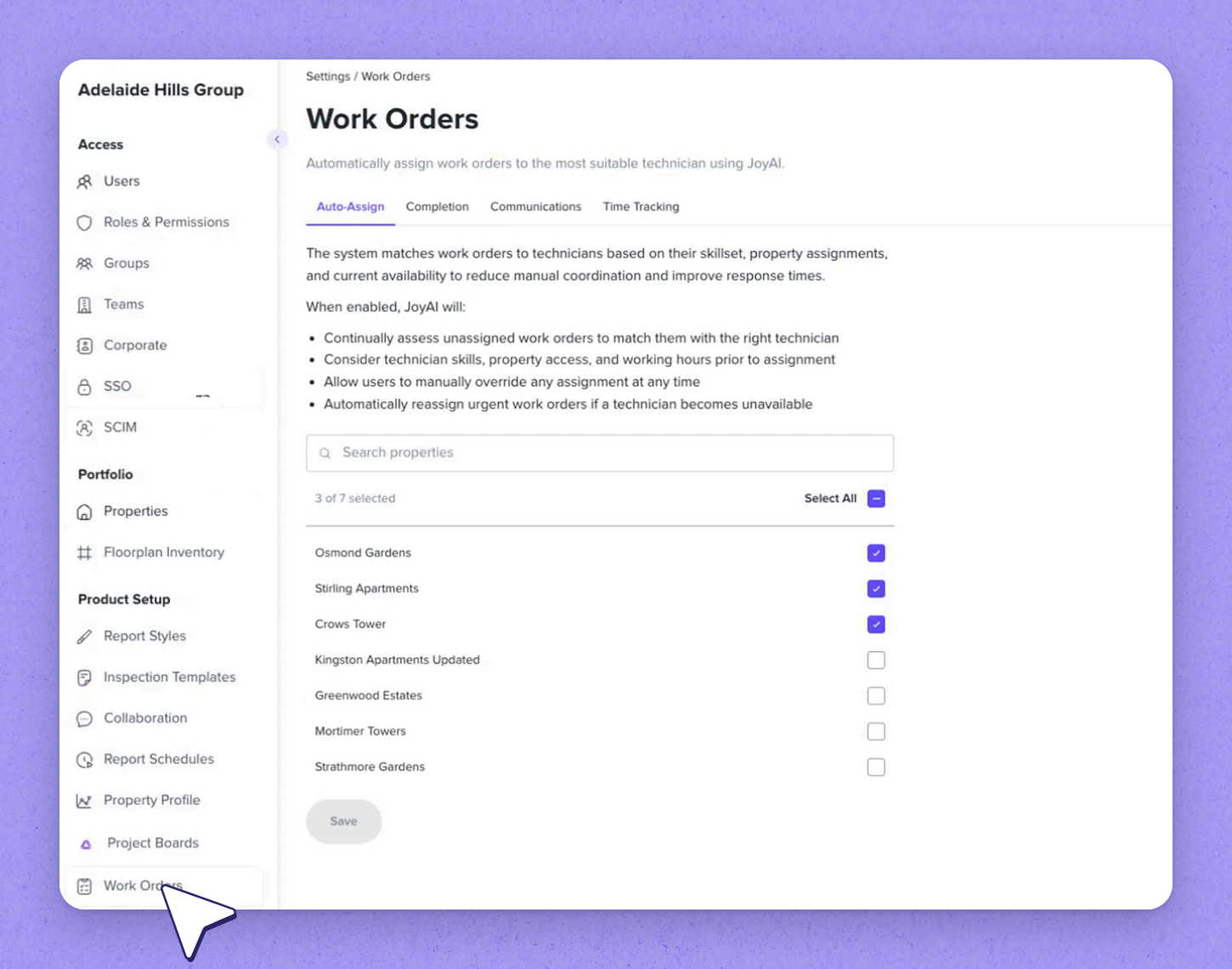
Open Work Orders to manage how work orders behave across happy-property, with these controls in one menu:
- Auto-Assign
- Completion
- Communications
- Time Tracking
Menus like SSO and SCIM, which used to be duplicated, now have a single home.
| Group | What it holds |
|---|---|
| Access | Users, roles and permissions, SSO, SCIM |
| Portfolio | Properties, Regions and Provisioning |
| Product Setup | Product configuration including Work Orders, Inspections, etc. |
| Integrations | Connections such as PMS Integrations, SSO, and SCIM |
| Platform | Platform-level settings |
Frequently asked questions
Does switching to the consolidated Settings surface change who can see what?
No. Access is unchanged — roles, permissions and access controls stay in place, so people only see what they already could.
Where did the Admin Center settings go?
Settings that used to live in the Admin Center and the in-app settings page are now together in one redesigned Settings surface, grouped by purpose in a single sidebar.
Can I change multiple users or properties at once?
Yes. Select several users to add or remove roles or property access, and select several properties to change their type, change their asset class, or assign them to a region together.