
A Chart of Accounts is your tree of general ledger (GL) codes, set up in Admin Center and added to a property. Set one up by uploading your full chart in one file or by creating GL codes one at a time.
 Chart of Accounts has moved to Admin Center
.
Before you start
- An Admin login for Admin Center
- Your Chart of Accounts file (.csv, .tsv, .xls, .xlsx or .XML), or your GL codes to enter by hand
How to set up a Chart of Accounts in Admin Center
 Log in to Admin Center as an Admin
Log in at Admin Center (admin.happyco.com) with your username and password.
 Open Chart of Accounts
Select Chart of Accounts in the side panel.
 Start a new Chart of Accounts
Select New Chart of Accounts in the top right corner.
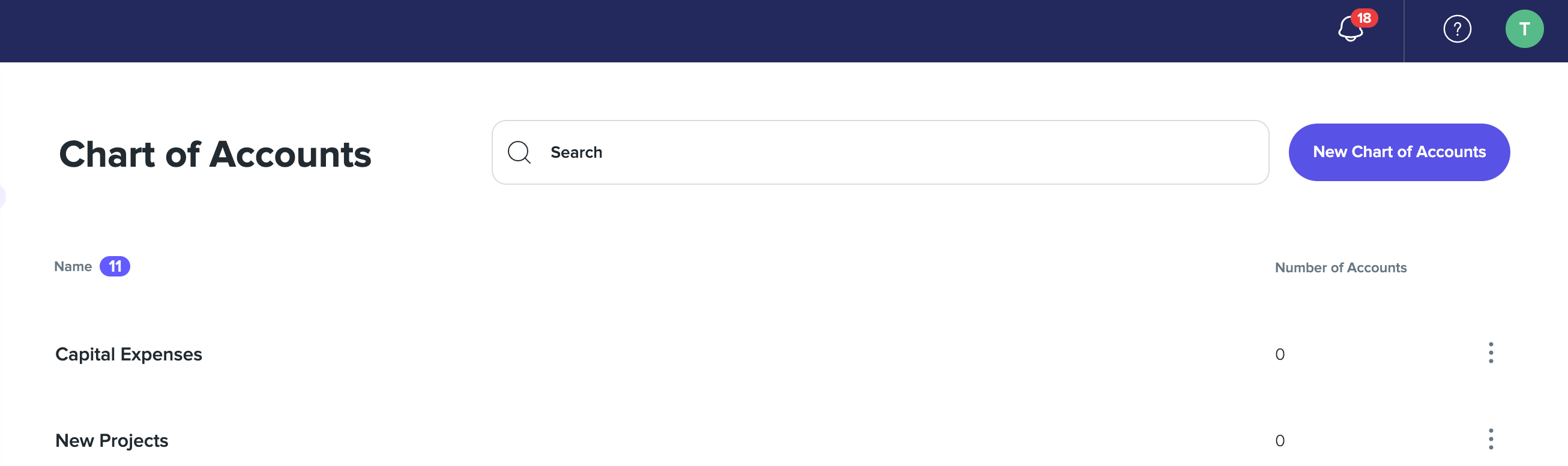
 Name your Chart of Accounts
Enter a name for the Chart of Accounts.
 Tip
If you have more than one Chart of Accounts, the name is how you identify the correct tree when adding one to a property.
 Choose how to add your GL codes
To upload your full Chart of Accounts, select Bulk Upload GL Accounts in the top right corner. To create individual GL codes instead, select New GL Account.
 Select your file or enter accounts manually
Select a file containing your Chart of Accounts, or enter your Chart of Accounts manually. The fields you can fill in are shown on the preview page at this step.
Tip
Accepted file types: .csv, .tsv, .xls, .xlsx or .XML.
 Finish and save
Complete the final steps of the process and finish to save your Chart of Accounts.
Creating individual GL codes
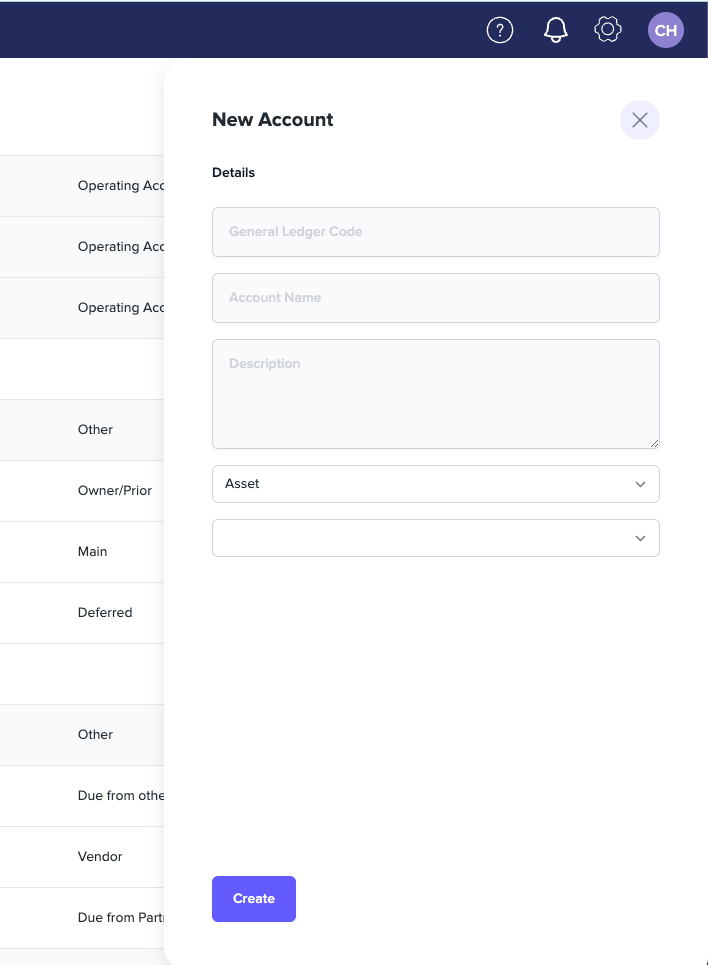
Instead of a bulk upload, create individual GL codes with New GL Account.
| Field | What it holds |
|---|---|
| Name | The account name |
| General Ledger Code | The GL code |
| Account Type | Asset, Expense, Liability, Revenue or Operating Expense |
| Description | A description of the account |
| Parent GL | The parent GL account in the tree |
Governance Area field
The New GL Account form also includes a Governance Area field.
How GL accounts are used
GL accounts work with charge codes and category mappings as the accounting mappings that make PMS/finance sync work.